Rebuild Mesh
Update the visualization mesh for Chisel objects after making changes.
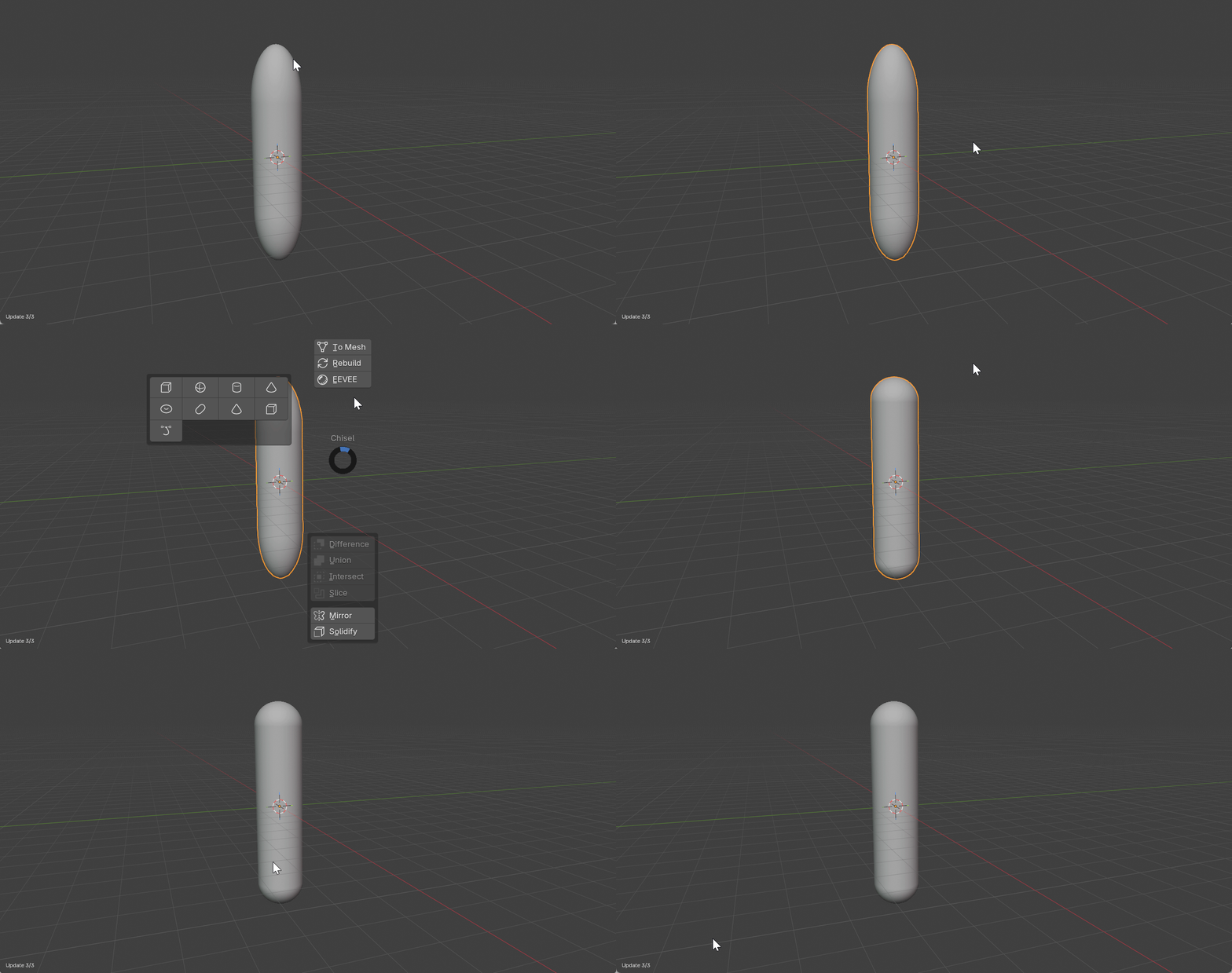
Basic Usage
- Select a Chisel object
- Click Rebuild Mesh in the Object Properties panel, or use the Pie Menu (
Q> North > Rebuild)
When to Rebuild
The visualization mesh may need rebuilding after:
- Changing primitive type or parameters
- Adding or modifying Chisel modifiers
- Moving or scaling boolean targets
- Adjusting blend radius or rounding values