Render Tab
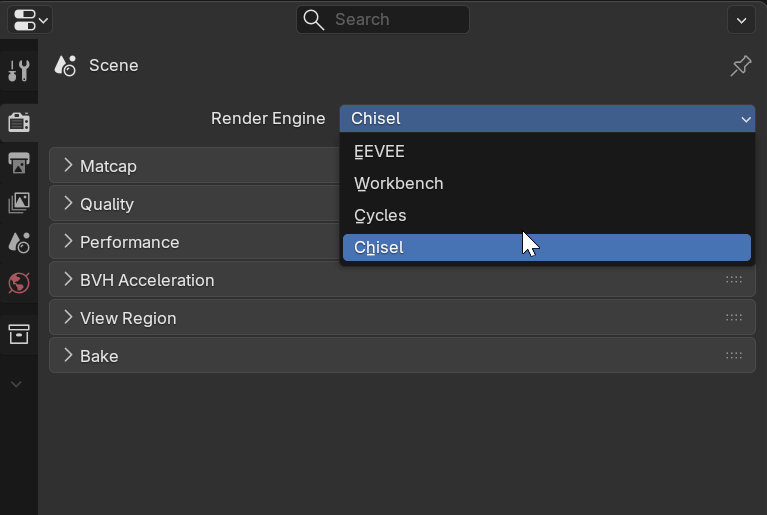
When the Chisel render engine is active, these sections appear in Render Properties. Chisel uses a custom GPU ray-marching engine that displays SDF shapes in real-time with matcap shading.
Matcap
Chisel uses matcap (Material Capture) images for viewport shading. Built-in matcaps are provided via Blender’s studio_lights API.
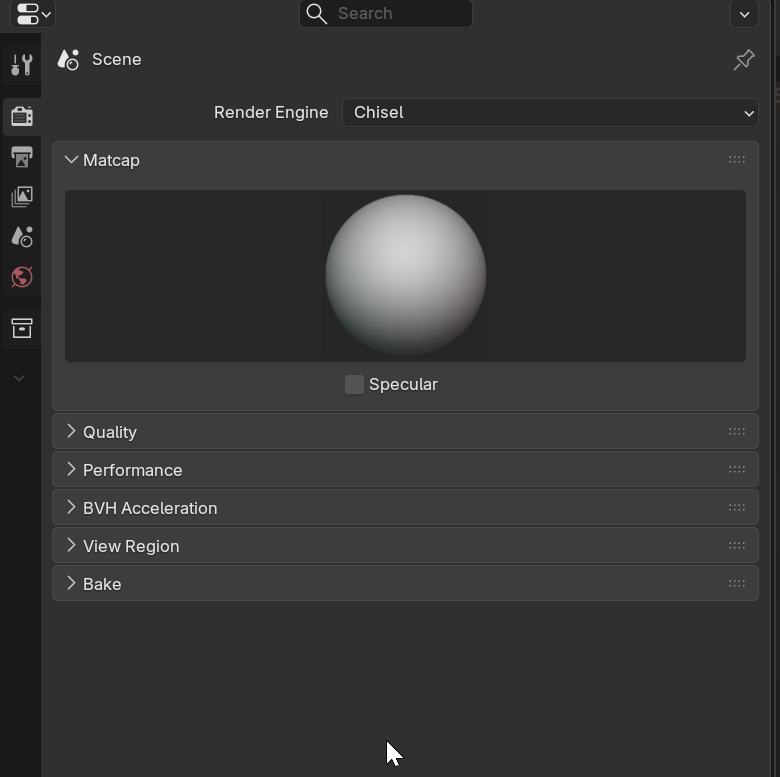
Matcap Selector
- Description: Grid of available matcap thumbnails (built-in and user-installed)
- Effect: Changes the viewport shading appearance
Color Tint
- Type: Color (RGB)
- Default: White (1, 1, 1) — no tint
- Effect: Multiplied over the matcap diffuse. Set to a color to tint the entire shading
Use Specular
- Type: Boolean
- Default: True
- Effect: Adds a secondary specular matcap layer for highlights
- Only available when the selected matcap has a matching specular variant
A matcap is a pre-rendered sphere image that maps surface normals to colors. When the renderer computes a surface normal, it looks up the corresponding color in the matcap image.
Quality
Control the precision and range of the ray-marching renderer.
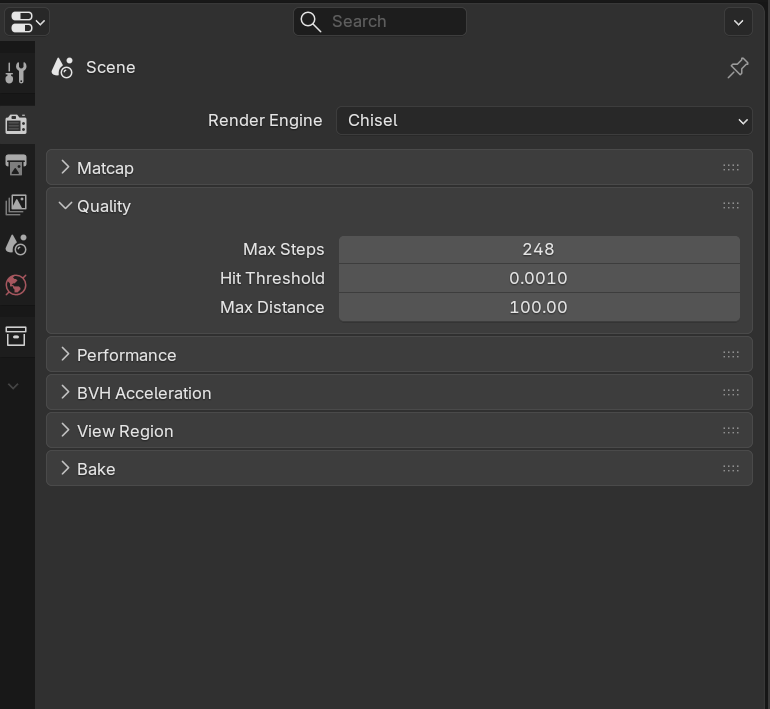
Max Steps
- Description: Maximum ray-marching iterations per pixel
- Range: 16 to 4096
- Default: 248
- Effect: Higher = better quality for complex scenes, slower rendering. Increase if you see artifacts on detailed shapes
Hit Threshold
- Description: Distance from surface to consider a “hit”
- Range: 0.0001 to 0.01
- Default: 0.001
- Effect: Lower = more precise surface detection. Decrease for fine detail, increase for performance
Max Distance
- Description: Maximum distance a ray will travel before giving up
- Range: 10.0 to 1000.0
- Default: 100.0
- Effect: Limits how far rays search. Increase for large scenes, decrease for performance
Render Resolution
- Description: Viewport render resolution
- Range: 1% to 100%
- Default: 100%
- Effect: Scales the pixel density of the ray-marched image. Lower values improve performance at the cost of sharpness
Performance
Optimize viewport responsiveness with boolean solver selection, adaptive quality, and progressive rendering.
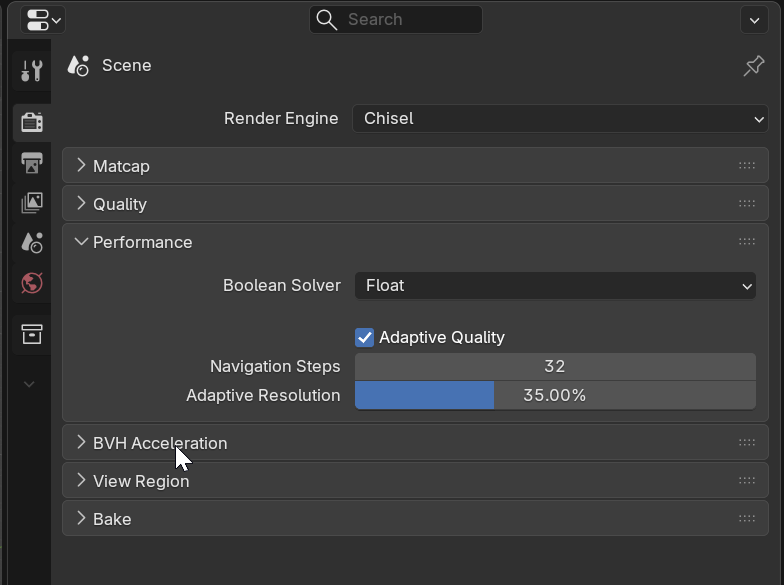
Boolean Solver
Controls the Blender modifier solver used for visualization meshes (not the SDF renderer).
- Options: Float / Exact / Manifold
- Default: Float
- Float is fastest, Exact handles complex cases, Manifold requires manifold input
Adaptive Quality
Reduces rendering quality while navigating the viewport, then restores full quality when idle.
- Enable Adaptive Quality: Toggle (default ON)
- Navigation Steps: Ray-marching iterations during camera movement (4-128, default 32)
- Navigation Threshold: Hit threshold while moving (0.001-0.05, default 0.01). Higher = faster navigation
- Adaptive Resolution: Viewport resolution while interacting (1-100%, default 35%)
Render Delay
- Description: Debounce time before progressive rendering begins after interaction stops
- Range: 0.0 to 2.0 seconds
- Default: 0.1
- Effect: After camera movement stops, waits this long before ramping up to full quality. Prevents wasted settled frames during continuous rotation
BVH Acceleration
Bounding Volume Hierarchy speeds up ray marching in scenes with many primitives.
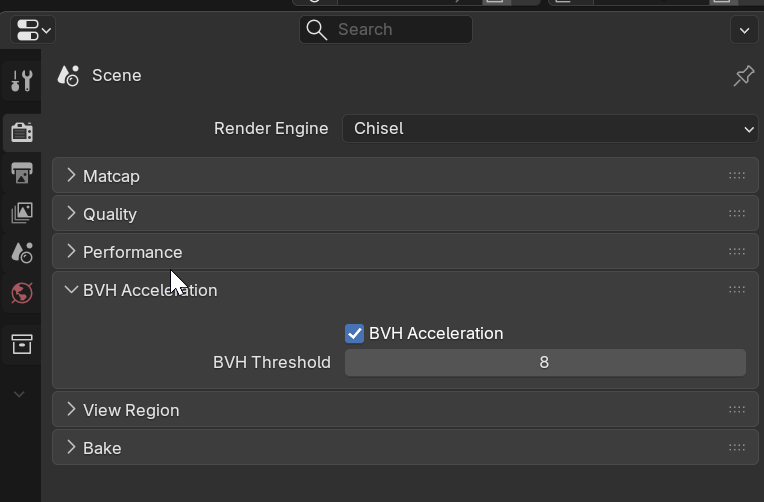
- Enable BVH: Toggle (default ON)
- BVH Threshold: Minimum primitives before BVH is used (4-32, default 8)
Auto-Expand Bounding Box
- Description: Automatically expands the SDF bounding box to fit the shape
- Effect: Replaces manual padding. The bounding box grows as needed to ensure the full SDF is rendered without clipping
Display
Control visibility of non-SDF objects and limit the render region.
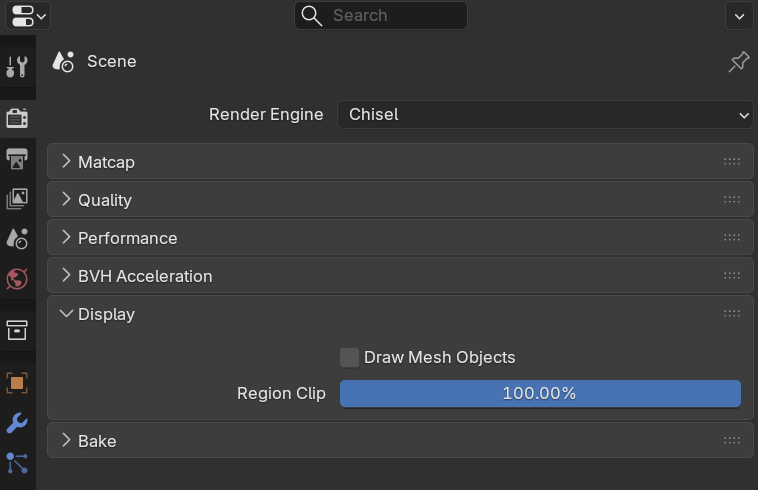
Draw Mesh Objects
- Type: Boolean
- Default: False
- Effect: Draw non-SDF Blender mesh objects in the viewport with matcap shading
Region Clip
- Range: 10-100%
- Default: 100%
- Effect: Percentage of the viewport to render. Reducing this limits rendering to the center of the viewport, lowering GPU load
See Also
- Raymarching - Concept explanation
- Baking - Map baking from SDF
- Object Tab - Primitive settings
- Preferences - Addon preferences