
View Markdown
Installation
Chisel is a Blender extension. Install Blender first, then drop the Chisel zip into the Blender window.
Requirements
- Blender 4.5.7 or newer
- Windows x64, macOS ARM64, or Linux x64
- Vulkan-capable GPU strongly recommended. OpenGL works but compiles and runs 5–10× slower. Metal works on macOS.
Get Blender
- Visit blender.org and grab 4.5.7 or later for your OS.
- Install Blender.
Get Chisel
Download Chisel from the Superhive marketplace and save the .zip somewhere convenient.
Install the addon
- Open Blender.
- Drag the Chisel
.zipdirectly into the Blender window. Blender installs it as an extension. Edit → Preferences → Save Preferencesso the install persists across sessions.
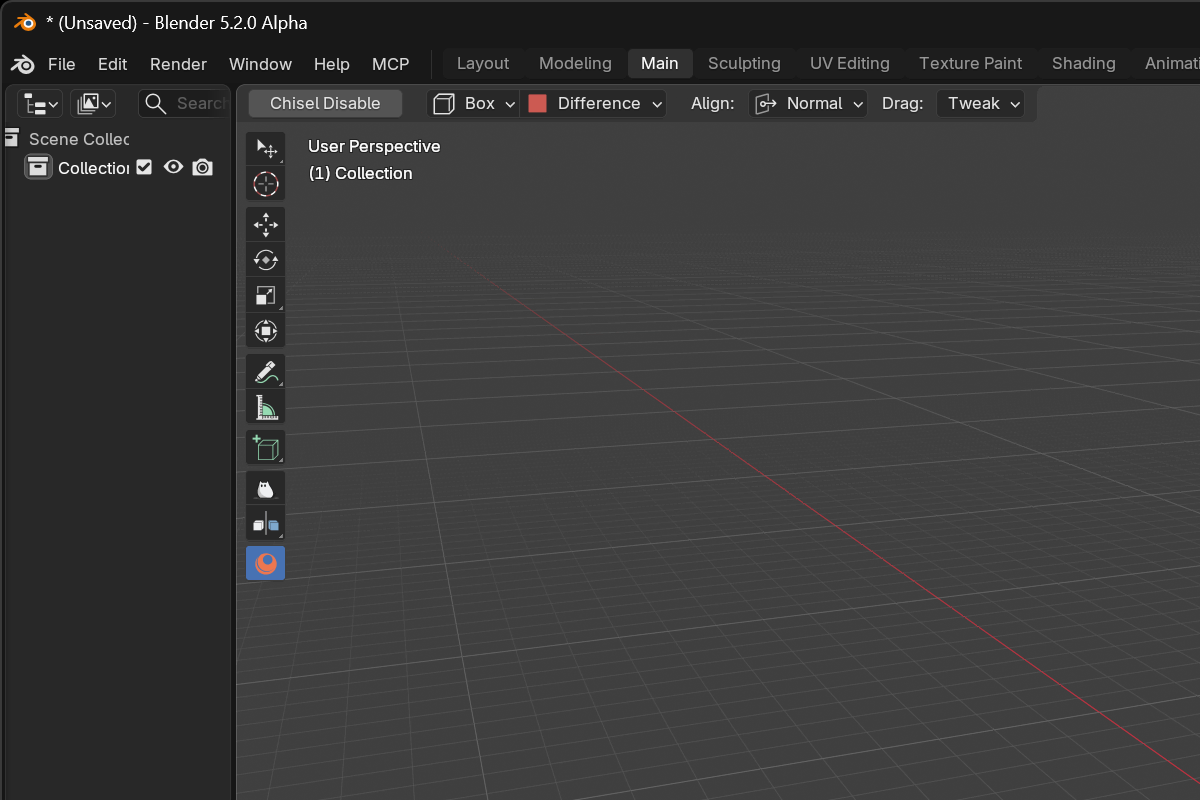
When the install completes, the Chisel workspace tool appears in the 3D View toolbar — that’s the visible sign the extension is loaded.
Verify
Open Edit → Preferences → Add-ons → Chisel. The status block should show:
- Native library — version
1.2.0or later forarmesher - GPU backend — Vulkan (recommended), or OpenGL with a “switch to Vulkan” hint
- Shaders — Compiled once the first viewport frame has run
If you see a yellow Update Native Libraries button, click it and restart Blender. That reinstalls the bundled native libraries.
Next
Head to First Launch to switch on the engine, drop your first primitive, and try a smooth boolean.