
Curve-Based Primitives
Three primitives that source their geometry from a Blender curve object. Edit the curve in normal Edit Mode and the SDF re-evaluates live in the viewport.
Curve
Extrude a 2D curve along the Z axis to create a swept solid. If no curve is selected when you create one, Chisel auto-generates a Bezier circle.
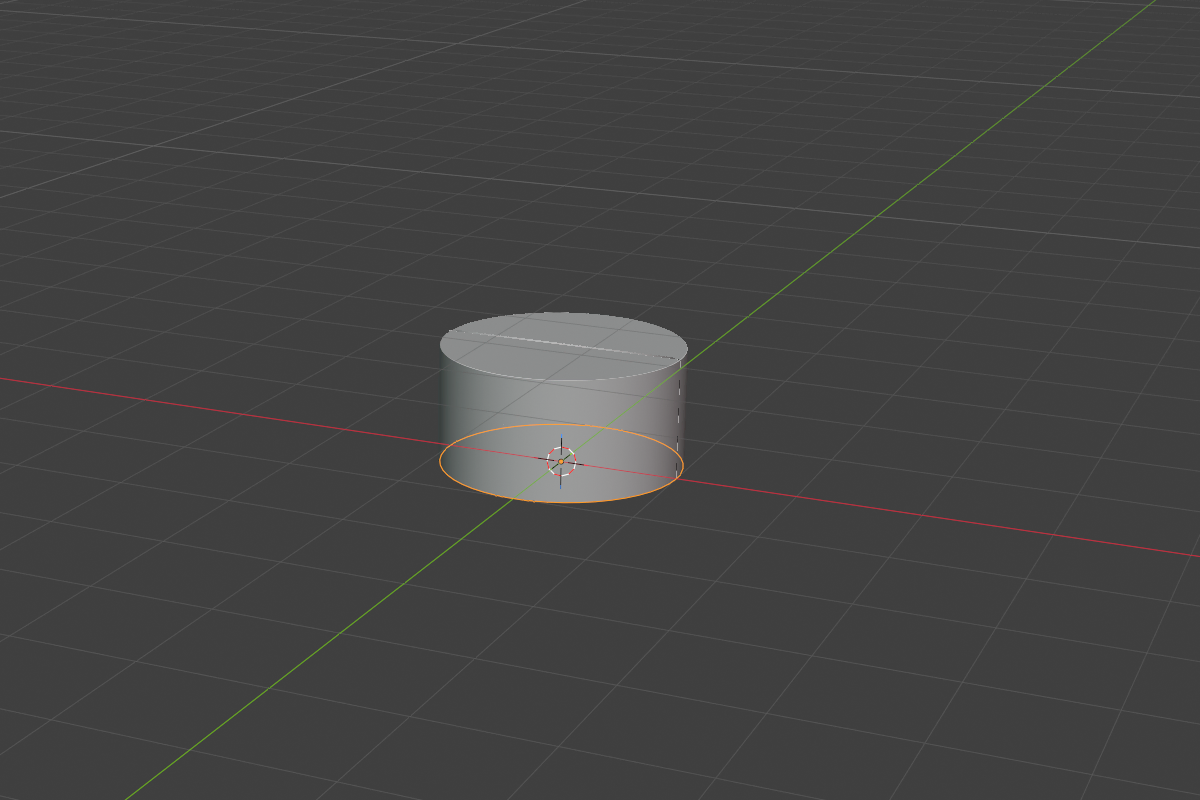
- Source curve — any 2D Blender curve object (assigned via the dropdown)
- Curve Depth — extrusion length (default
1.0, soft max100.0) - Rounding + Profile — applies to the top and bottom edges
Use Curve for letterforms, logos, custom flat shapes, or any swept profile that doesn’t need rounding along the path.
Curve Tube
Sweep a circular cross-section along a 3D Bezier path. The result is perfectly smooth all the way down the path — no faceting, no LOD.
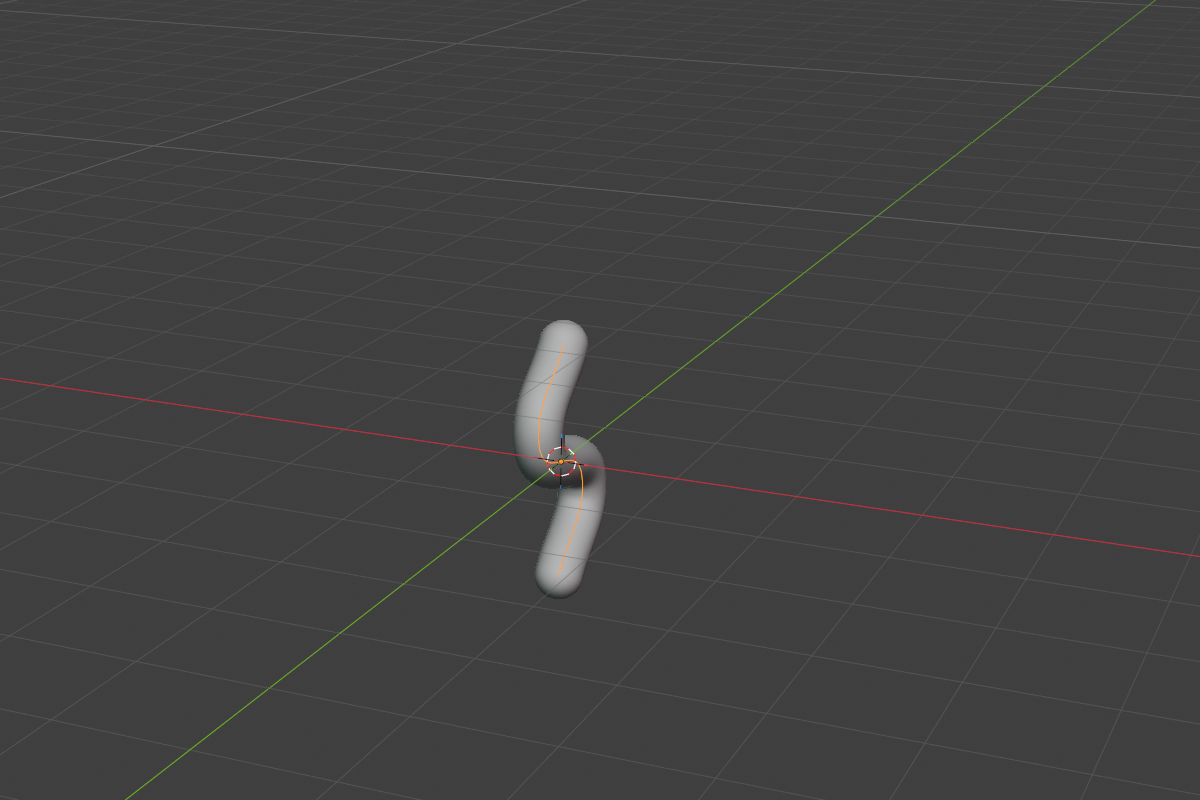
- Source curve — any 3D Bezier curve
- Tube Radius — global radius (default
0.2, soft max5.0) - Per-point radius — adjust radius per control point with
Alt + Sin curve Edit Mode
No rounding parameter — the swept surface is already smooth all the way along the path.
Curve Tube excels at piping, cables, ropes, hairs, vines, and any flow that benefits from smooth taper.
Curve Revolve
Revolve a 2D profile around the local Y axis. Perfect for vases, bottles, and turned hardware.
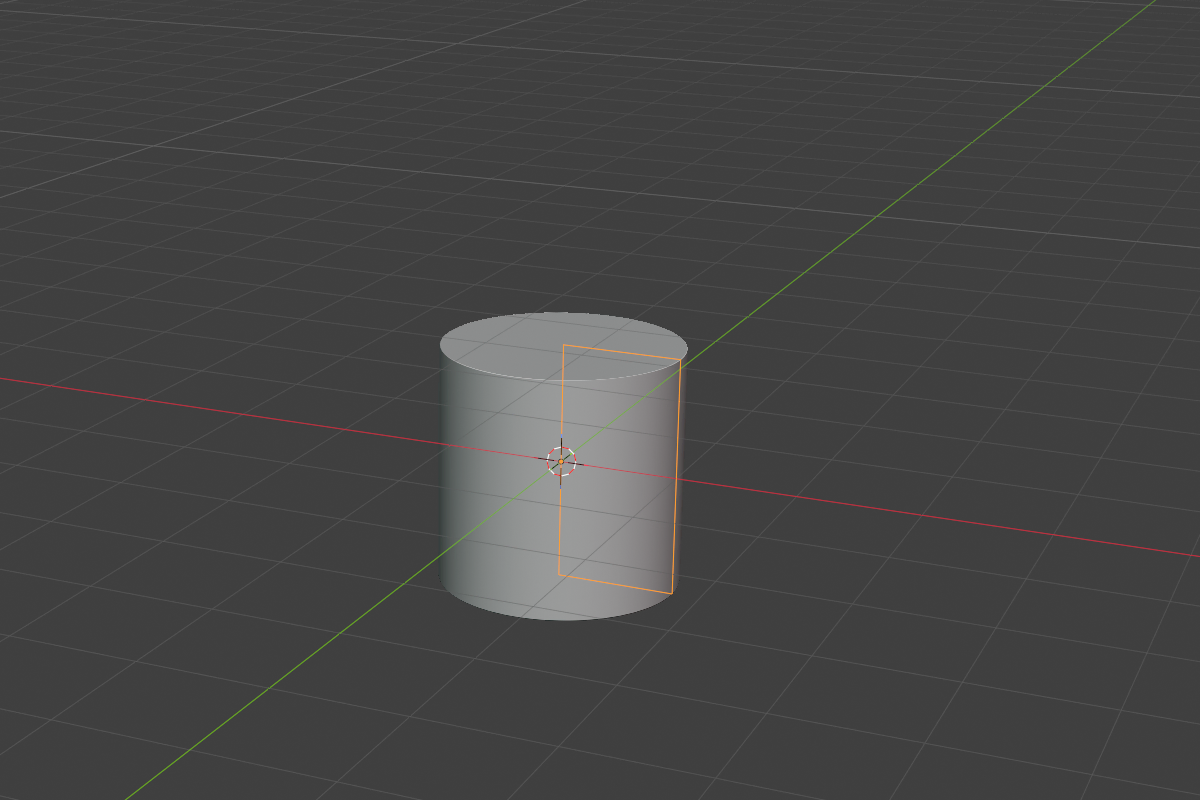
- Source curve — a 2D profile curve
- Revolve Angle — sweep angle in radians (default
2πfor a full revolution; range~1°–360°) - Rounding + Profile — applies along the profile edges
The profile is clamped so it cannot cross the axis (no negative-radius artifacts). Drop the angle below 2π to get a partial sweep — handy for pie-slice cutouts or one-off architectural details.
Editing the source curve
Each curve-based primitive references an external curve object. To edit it:
- Select the curve object (it lives in the same collection as the SDF object).
- Tab into Edit Mode.
- Move points, change handle types, or adjust per-point radius (Tube only) with
Alt + S. - The SDF refreshes as you go.
Hide the source curve in the outliner if you don’t want it cluttering the viewport — Chisel still finds it.
See also
- Standard Shapes — the eight non-curve primitives
- Operations: Convert — convert curve-based SDFs to mesh