
Curve-Based Primitives
Three primitives that source their geometry from a Blender curve object. Edit the curve in normal Edit Mode and the SDF re-evaluates live in the viewport.
Curve
Extrude a 2D curve along the Z axis to create a swept solid. If no curve is selected when you create one, Chisel auto-generates a Bezier circle.
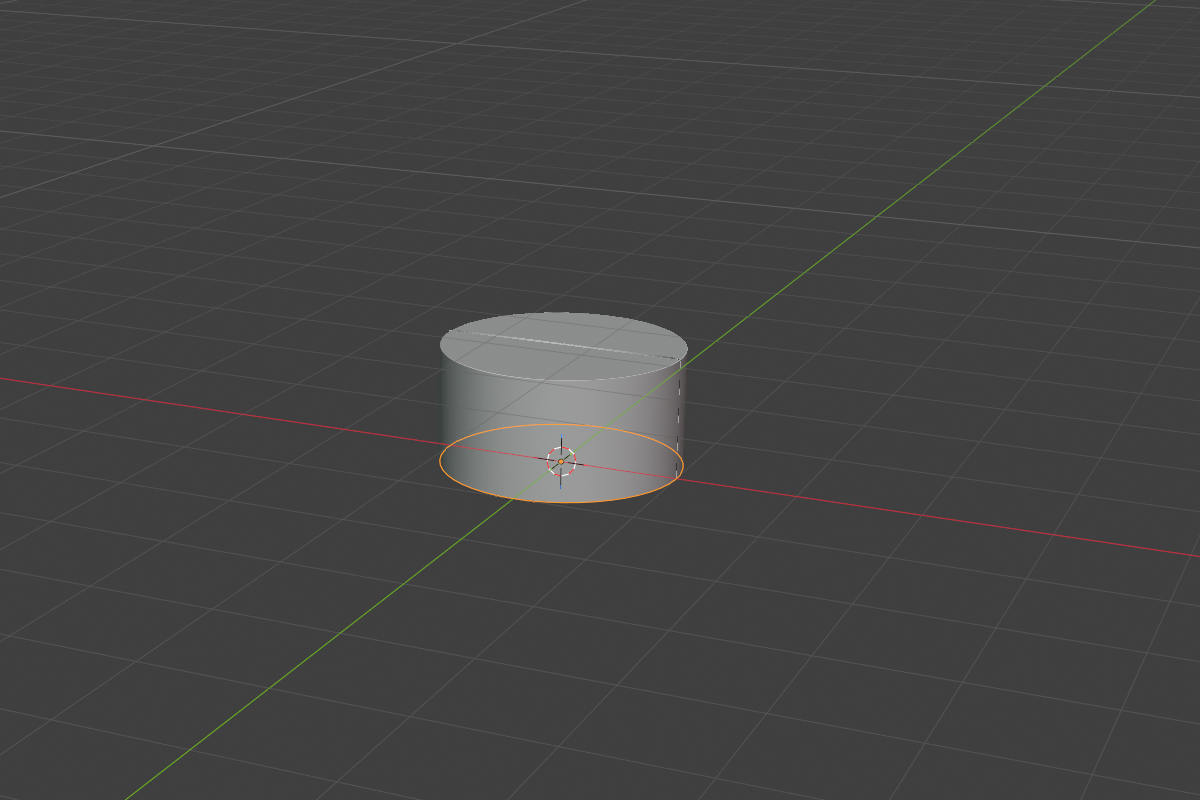
The depth-curve solid hugs the drawn Bezier exactly: circles come out as exact circles, sharp corners stay sharp, and concave spans stay smooth. A 3D curve that is roughly flat is treated as a 2D profile in its own best-fit plane, so you no longer have to keep the curve pinned to world XY.
- Depth — extrusion length (default
1.0, soft max100.0) - Rounding + Profile — applies to the top and bottom edges
Use Curve for letterforms, logos, custom flat shapes, or any swept profile that doesn’t need rounding along the path. Adjust the depth straight from the viewport with the Depth row in the RMB menu or the Q pie.
All splines must be cyclic. A non-planar curve is projected onto its best-fit plane — the panel shows an info note when that happens.
Curve Tube
Sweep a circular cross-section along a 3D Bezier path. The result is perfectly smooth all the way down the path — no faceting, no LOD.
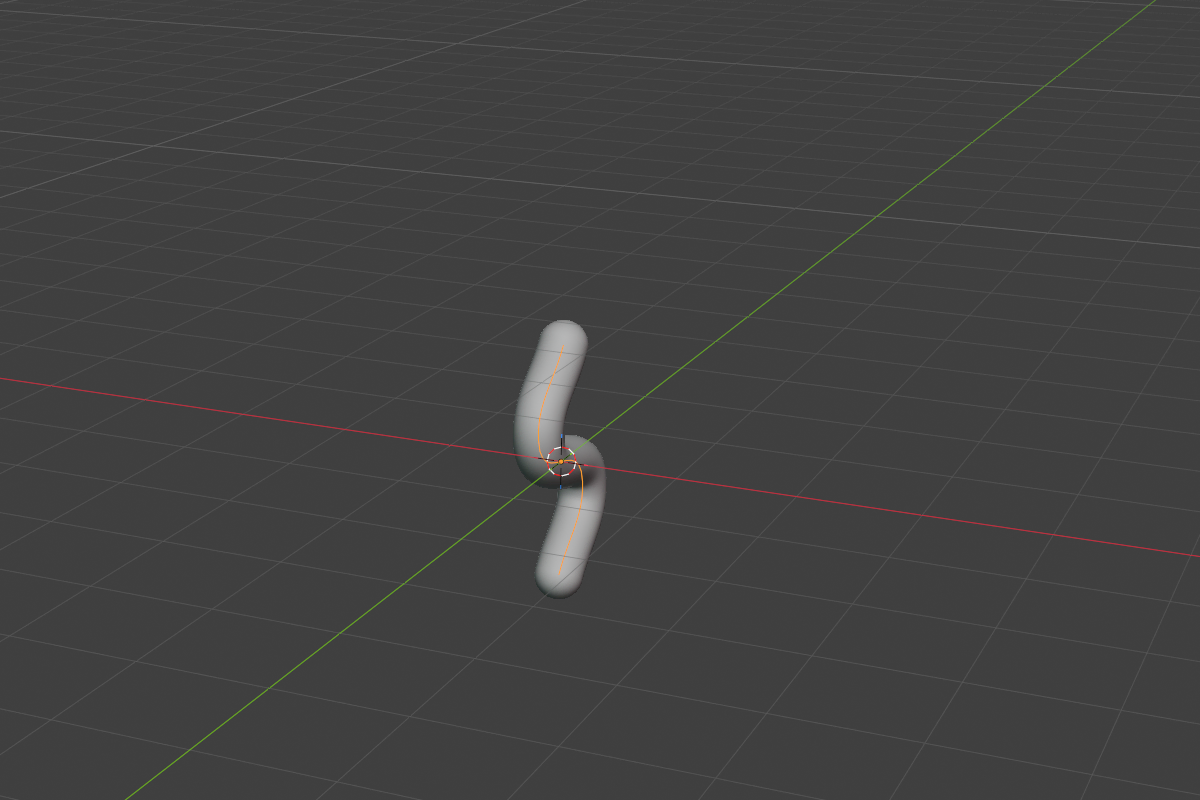
- Tube Radius — global radius (default
0.2, soft max5.0) - Per-point radius — adjust radius per control point with
Alt + Sin curve Edit Mode
No rounding parameter — the swept surface is already smooth all the way along the path.
Curve Tube excels at piping, cables, ropes, hairs, vines, and any flow that benefits from smooth taper.
Curve Revolve
Revolve a 2D profile around the local Z axis. Perfect for vases, bottles, and turned hardware.
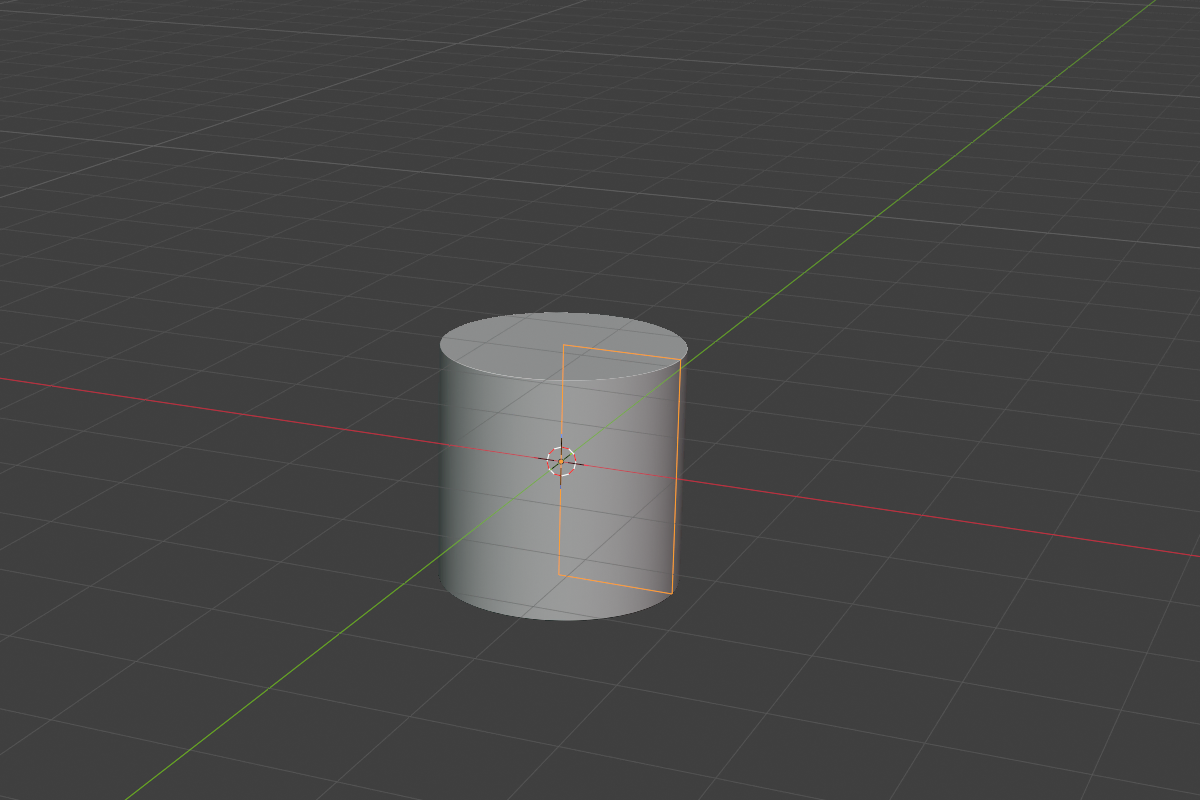
- Revolve Angle — sweep angle (default
360°/2πfor a full revolution; range~1°–360°)
The profile is clamped so it cannot cross the axis (no negative-radius artifacts). Drop the angle below 2π to get a partial sweep — handy for pie-slice cutouts or one-off architectural details. Adjust the sweep from the viewport with the Angle row in the RMB menu or the Q pie.
Editing the source curve
Each curve-based primitive references an external curve object. To edit it:
- Select the curve object (it lives in the same collection as the SDF object).
- Tab into Edit Mode.
- Move points, change handle types, or adjust per-point radius (Tube only) with
Alt + S. - The SDF refreshes as you go.
Hide the source curve in the outliner if you don’t want it cluttering the viewport — Chisel still finds it.
Upgrading from 2.x
Curves saved in 2.x pick up the rebuilt SDF automatically — there is nothing to re-create. Because the v3 solid now follows the drawn curve exactly, a loosely-drawn curve may fill out slightly at the corners compared to the old, inset result. Nudge the corner handles if you want the tighter look back.
A very deep, narrow concave notch (a fillet radius much smaller than the notch is wide) can leave a faint crease where the two inner fillets meet. Typical curves are unaffected.
See also
- Standard Shapes — the eight non-curve primitives
- Changing the type after creation — swap between the three curve types
- Operations: Convert — convert curve-based SDFs to mesh