
Standard Shapes
The eight workhorse SDF primitives. Every one supports the common parameters; per-shape parameters are listed below.
These eight form the mesh family: cycle between them with [ / ] (Chisel tool active), or swap from the RMB → Type submenu. The three curve-based primitives are a separate family — a type swap never crosses between mesh and curve shapes.
Box
A rectangular box with optional edge rounding. The most-used primitive for hard-surface modeling.
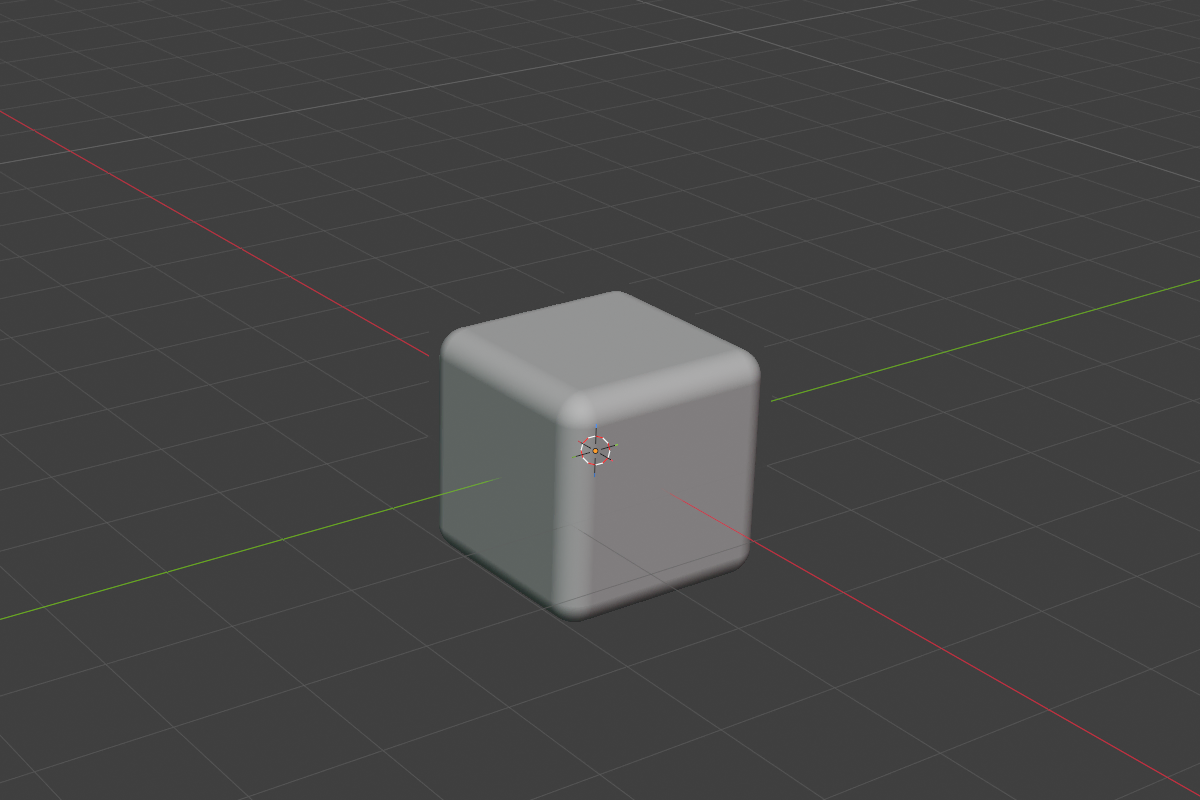
- Size — base extent (default
2.0) - Half-Extents (X, Y, Z) — independent dimensions per axis, controlled by object scale
- Rounding + Profile — round any subset of edges by tuning rounding and profile
Set rounding to 0 for sharp boxes, push it up for soft cubes, or change the profile (Sharp / Soft / Tight / Chamfer) for distinct industrial looks.
Sphere
A perfect sphere — smooth at any scale, no subdivision needed.
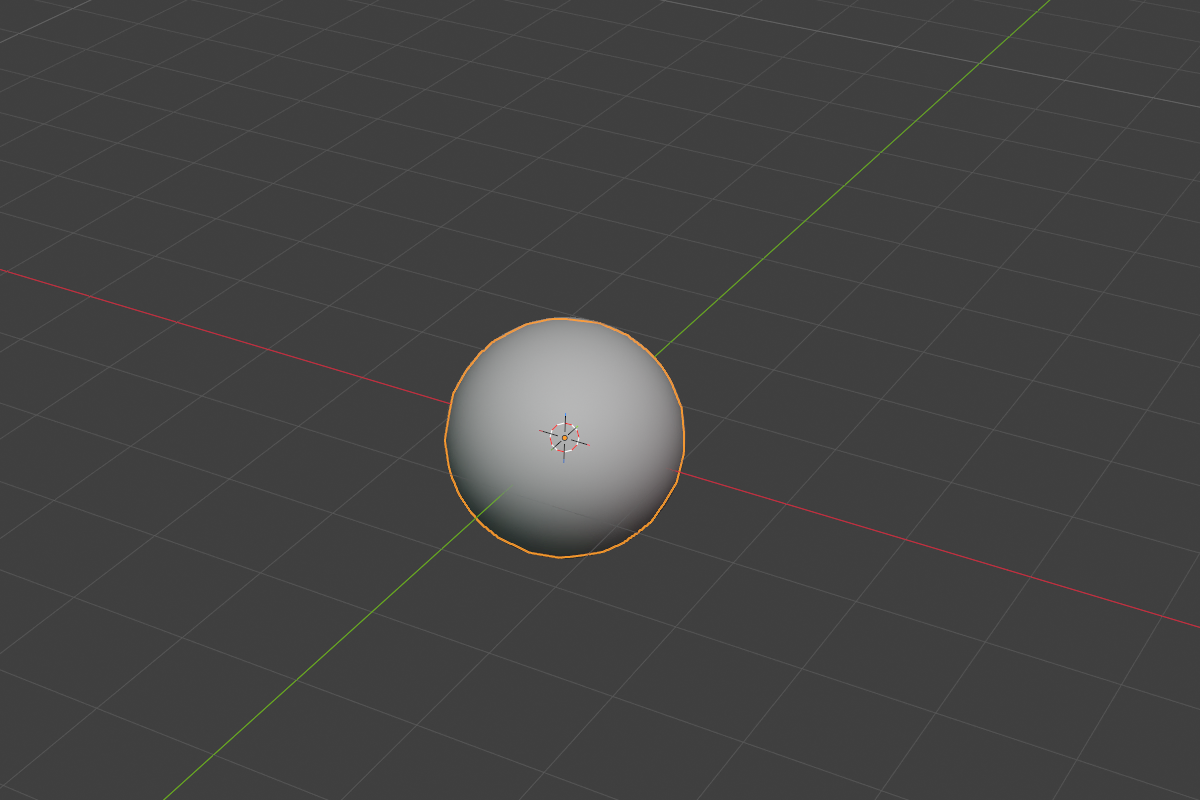
- Radius — distance from center to surface (default
1.0, soft max10.0)
No rounding parameter — the sphere is already perfectly smooth.
Cylinder
A circular cylinder with optional edge rounding on the rim.
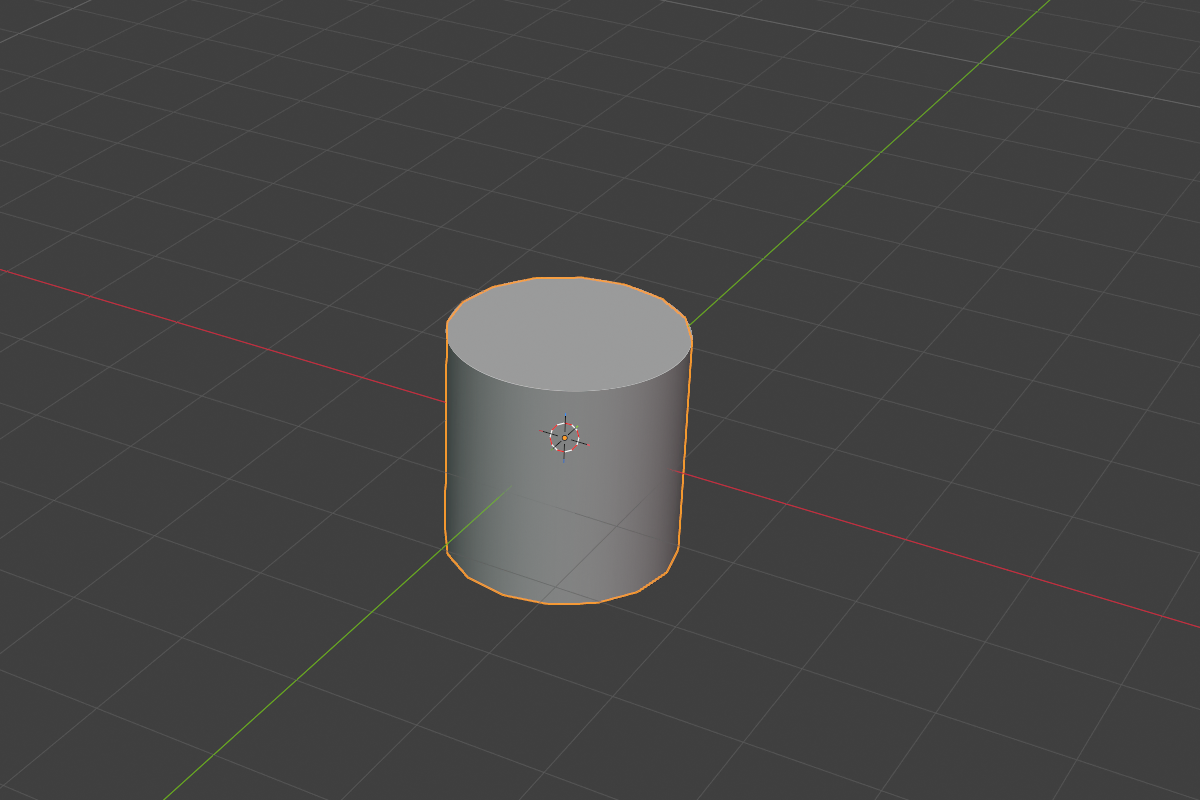
- Radius — cap radius (default
1.0) - Depth — height along the local Z axis (default
2.0) - Rounding + Profile — applies to the top/bottom rim
Cone
A frustum (truncated cone). Adjust the cap to taper from a full circle down to a sharp point.
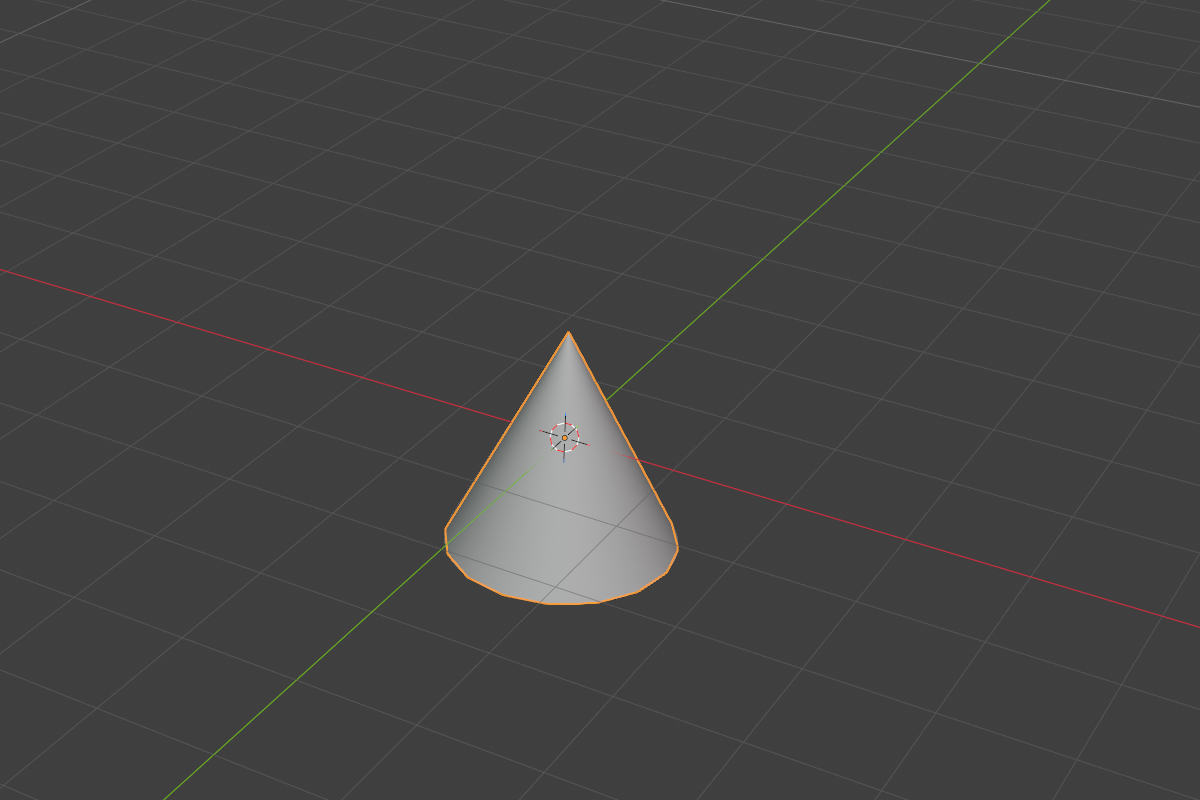
- Radius 1 — base radius (default
1.0) - Radius 2 — top radius (default
0.0) - Depth — height along Z (default
2.0) - Cone Cap —
0.0–1.0.0.0= pointed apex,1.0= full-size top (i.e. a cylinder) - Rounding + Profile
Capsule
A cylinder with hemispherical end caps. Perfect for hot-dog shapes and limb references.
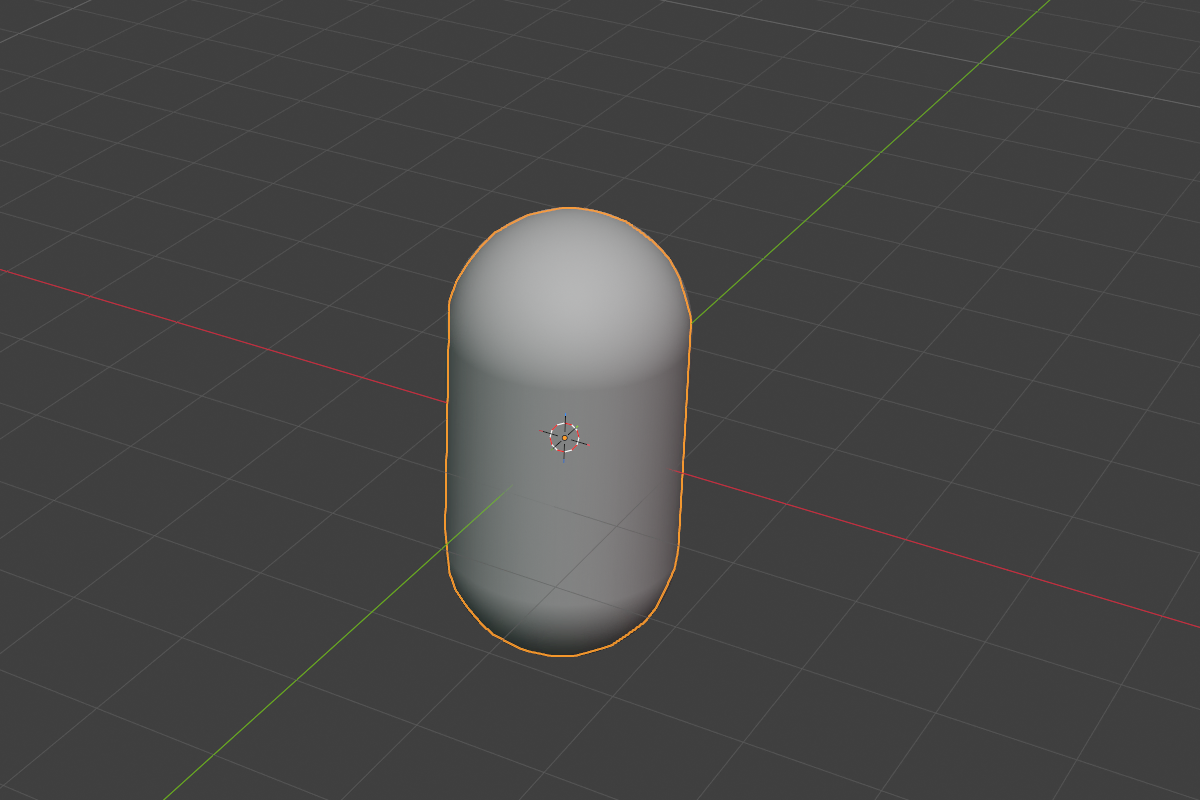
- Radius — caps + body radius (default
1.0) - Depth — straight (cylindrical) section length (default
2.0). Total capsule height =depth + 2 × radius.
No rounding parameter — the caps are already smooth.
Torus
A donut. Two radii, no rounding required.
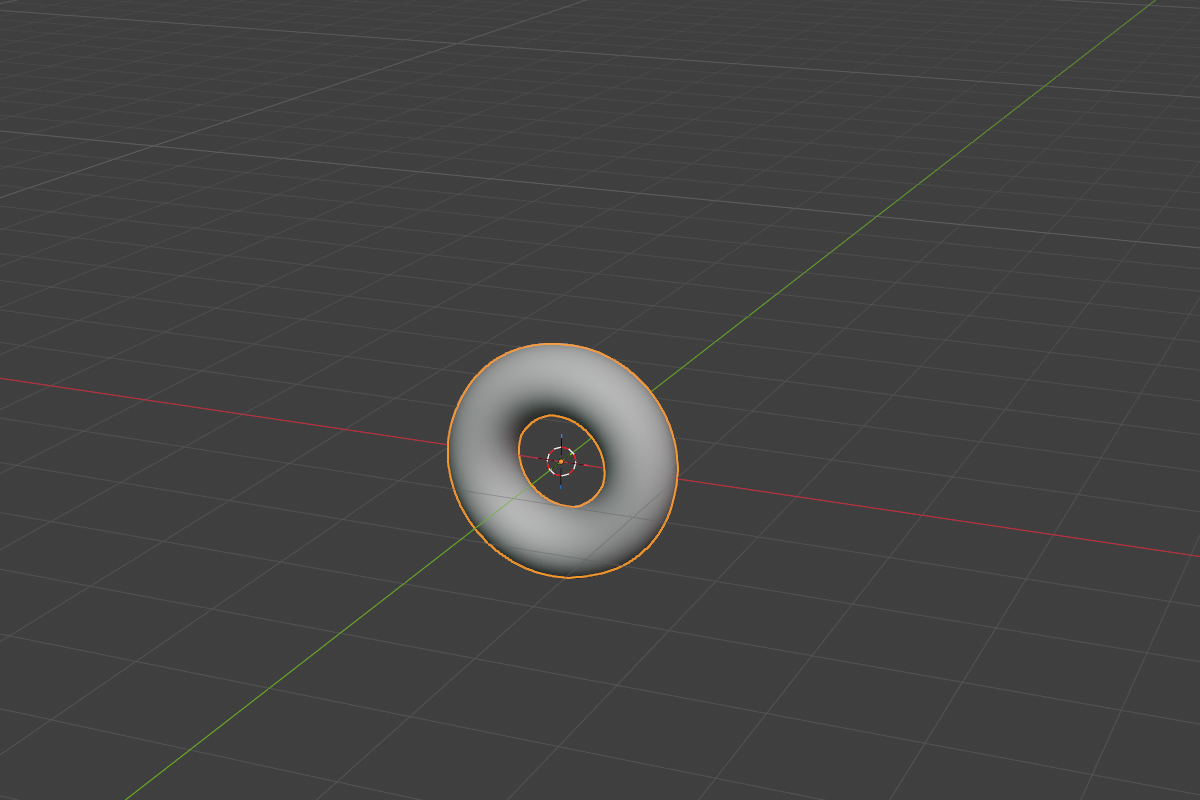
- Major Radius — distance from center to tube center (default
0.7, soft max10.0) - Minor Radius — tube radius (default
0.3, soft max5.0)
Prism
An N-sided regular prism. Set the side count with the Sides enum.
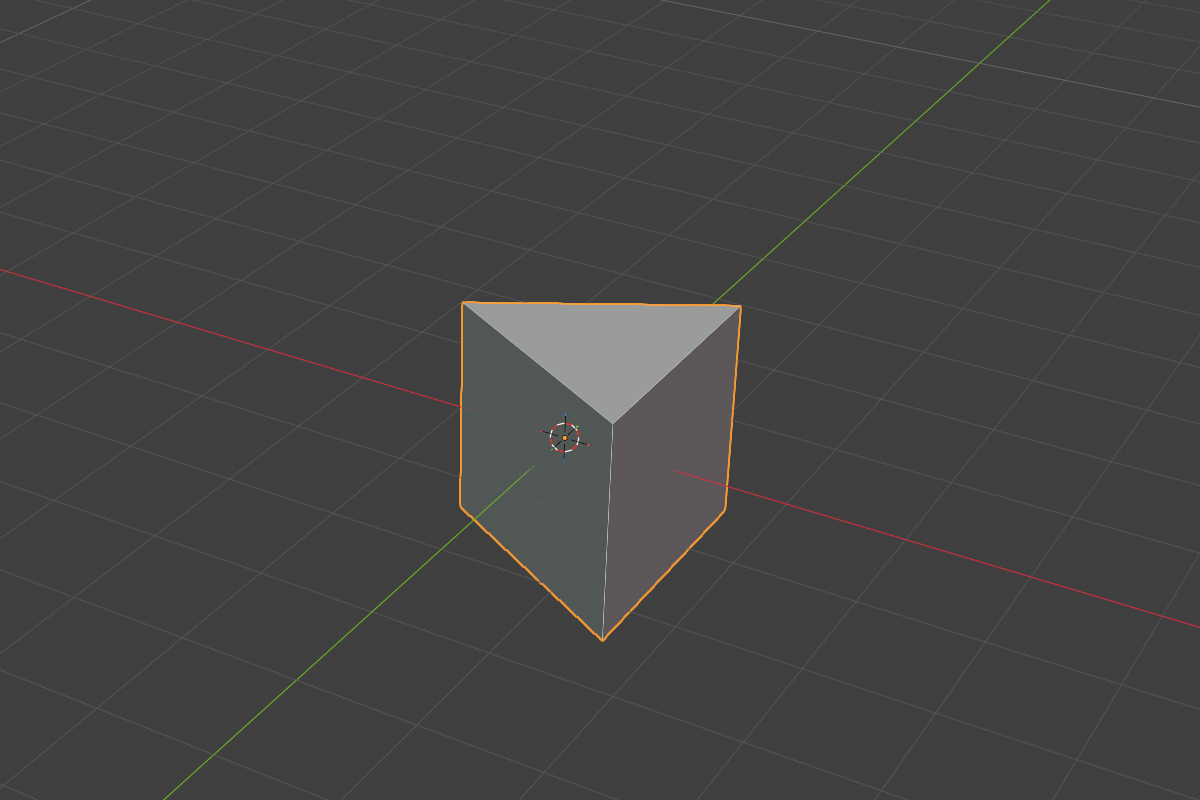
- Sides —
3,5,6, or8 - Apex Angle (triangular prisms only) —
5°–175°(default60°). Sharper or wider triangle profile. - Bevel — vertical edge rounding, separate from the cap rounding (
0.0–10.0) - Bevel Profile — Round / Sharp / Soft / Tight / Chamfer for the vertical edges
- Bevel Chamfer Smooth (when Bevel Profile = Chamfer)
- Rounding + Profile — applies to the top and bottom rims
The triangular prism with Apex Angle adjustable is uniquely useful for chamfered struts, tool heads, and architectural beams.
Trapezoid
A box frustum — like the Cone primitive but with rectangular cross-section.
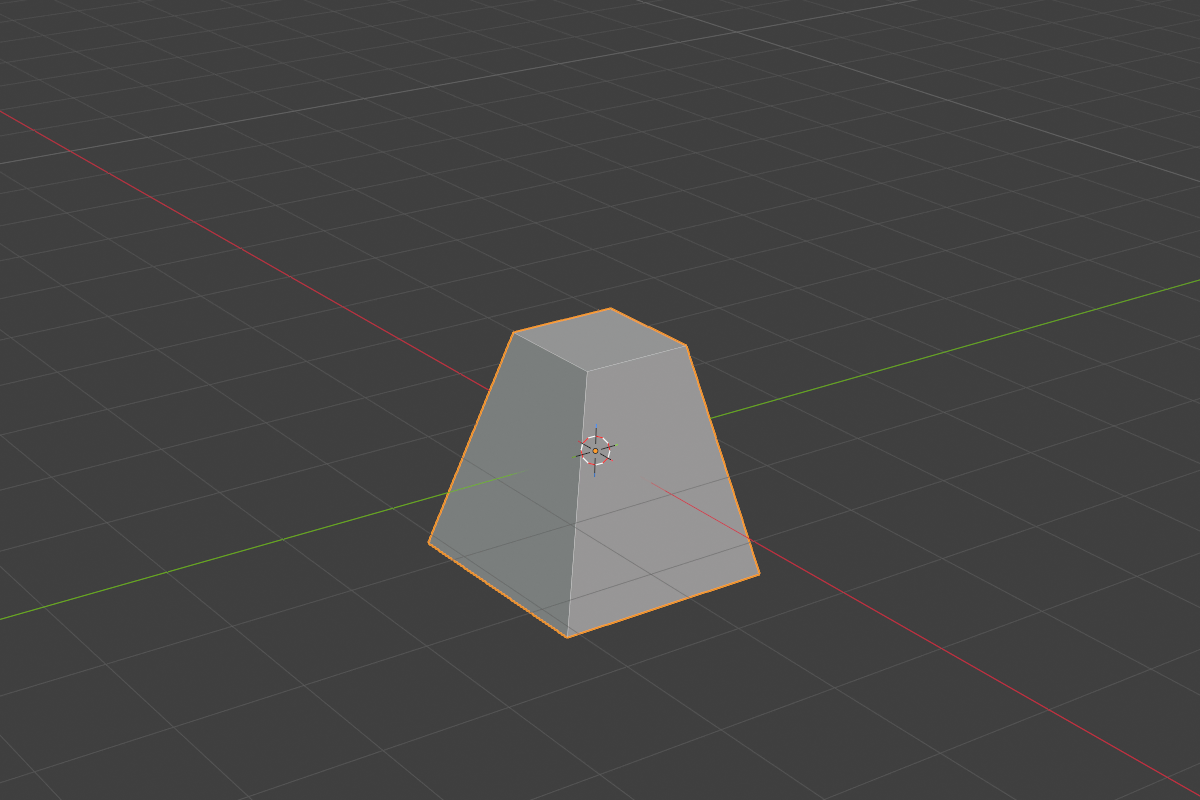
- Size — base extent (default
2.0) - Cone Cap — top scale (default
0.5).0.0= pyramid,1.0= box. - Bevel + Bevel Profile + Bevel Chamfer Smooth — controls for the four slanted vertical corners
- Rounding + Profile — controls for the top and bottom rims
See also
- Curve-Based Primitives — extruded 2D curves, swept tubes, revolved profiles
- Changing the type after creation — cycle keys and the Type submenu
- Rounding & Blending — what each profile looks like